Getting started with React Testing Library

React Testing Library is a test library that helps us write integration and unit tests for our UI applications by allowing us to:
- Render components
- Perform actions upon them (click, type, check ...)
- Retrieve any element rendered through accessible and semantic queries
It's built on top of testing-library, which has various integrations besides React, namely Angular, Vue, puppeteer, webDriverIO, Cypress, etc.
The React Testing Library philosophy can be summed up in the following statements:
- Focus on user behavior
- Don't test internal state or properties directly
- Only test inputs and expected outputs
As general advice, the best mindset to adopt when writing tests with this library is to act as your application user.
For reference, our application can have the following levels of tests:
- E2E - Spin up the application and simulate user behavior. Similar to a robot performing a task in the application
- Integration - Verify that several units work together in harmony
- Unit - Verify the functionality of a single function/component
- Static - Catch type errors as you write code
Queries to use
| Query | Type | Returns | When |
|---|---|---|---|
queryBy* | Synchronous | First matching node or null if there is no match. | Good for asserting if an element is not present in the UI |
getBy* | Synchronous | First matching node or throws an error if there is no match. | Good for assertions of elements we know are already in the UI |
findBy* | Asynchronous | A promise that resolves when a matching node is found or rejects if there is no match. | Good to wait for elements to be rendered in the UI |
| Type | Examples | Characteristics |
|---|---|---|
| Accessible | getByRole, getByLabelText, getByPlaceholderText, getByText, getByDisplayValue | Reflect the experience of visual/mouse users as well as those that use assistive technology |
| Semantic | getByAltText, getByTitle | HTML5 and ARIA compliant selectors |
| Test IDs | getByTestId | Reflects implementation details and the user can't interact with them |
| Manual | querySelector | Same as above and more prone to changes |
All these queries support an AllBy variant for getting an array of all matching nodes.
Awaits and assertions
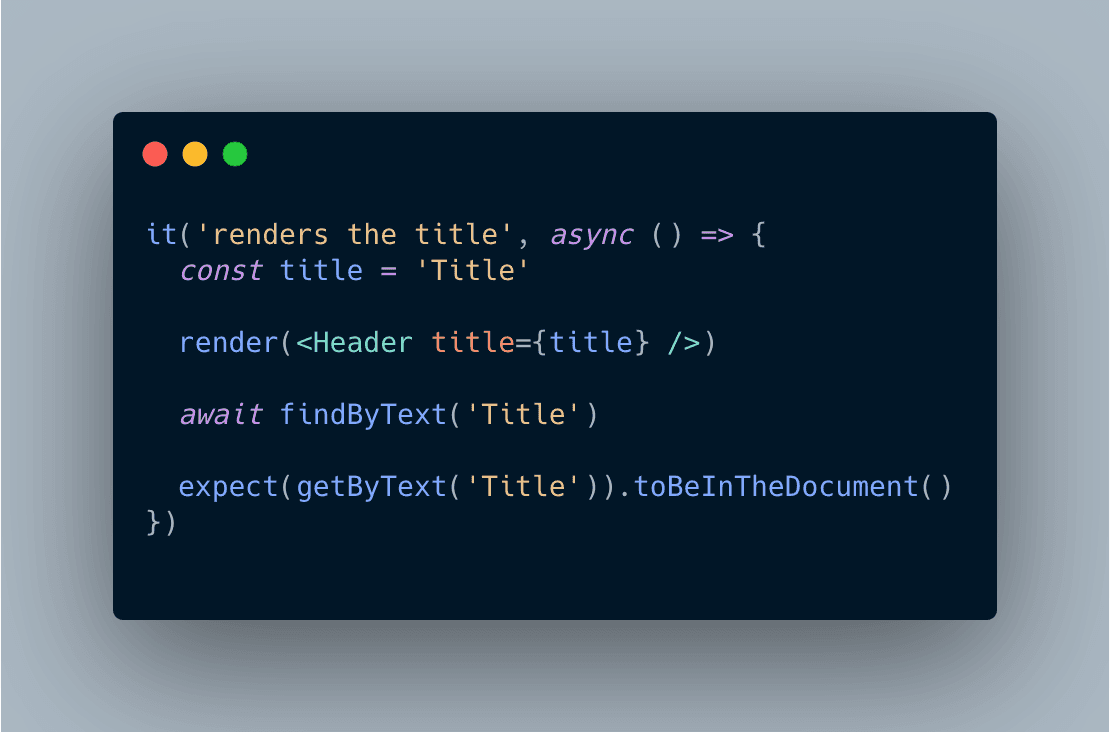
Do I need an expectation after a find? No, but:
- It will make what you are testing clearer for other programmers
- What you are waiting for might not include all assertions you need to make
Firing Events
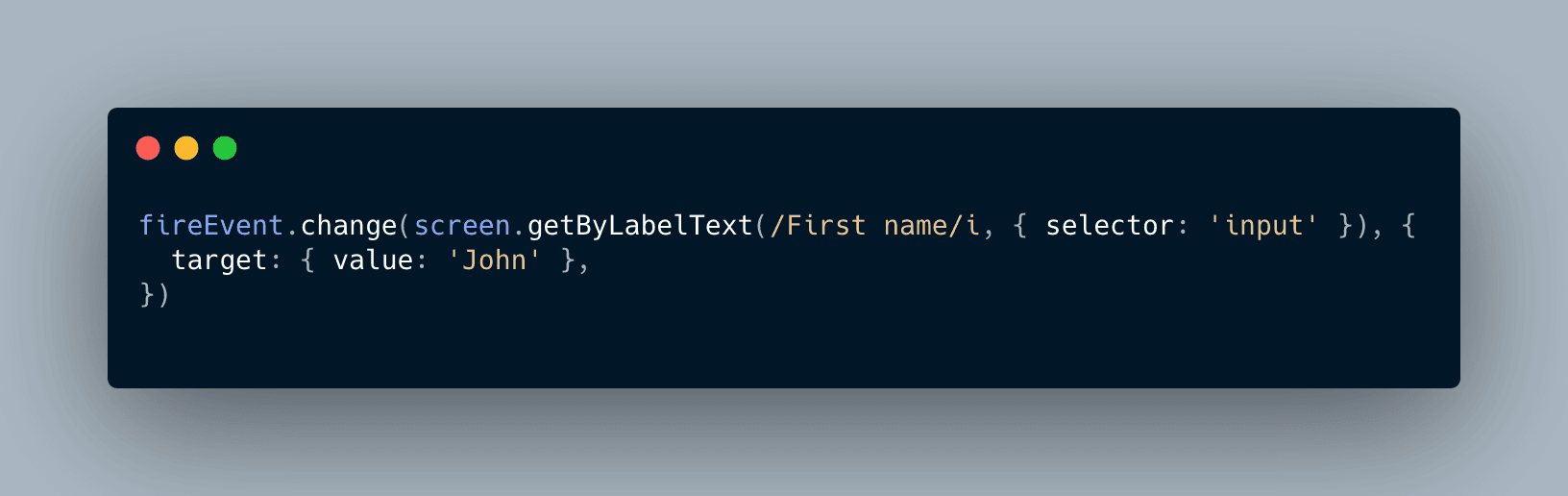
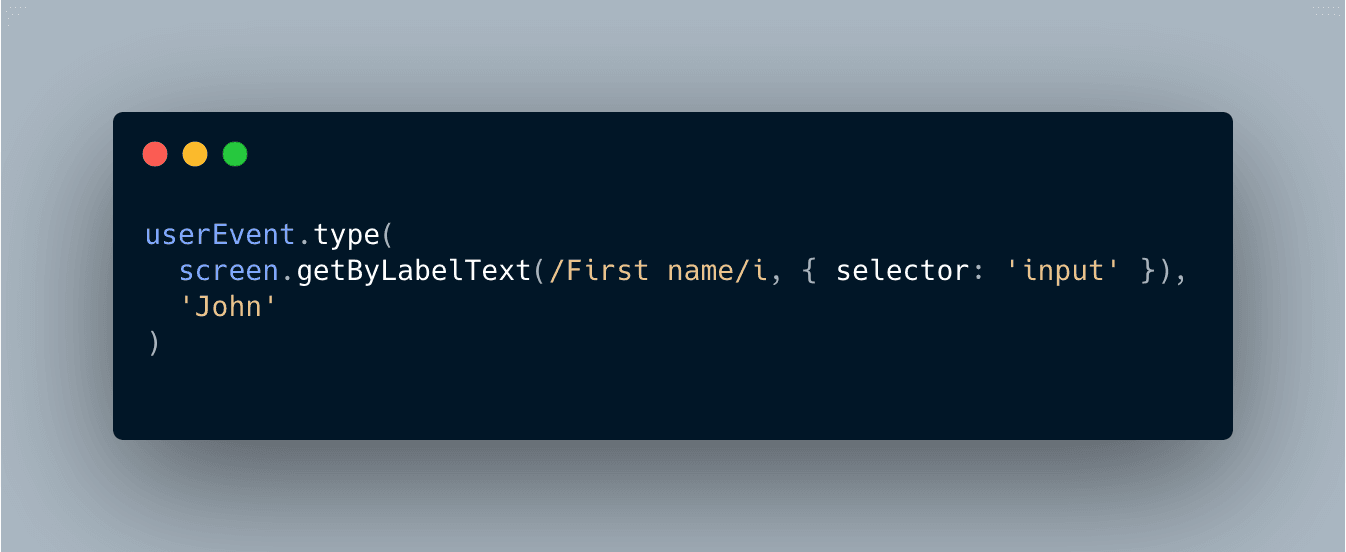
UserEvent is a companion library for Testing Library that provides more advanced simulation of browser interactions than the built-in fireEvent method.
For instance, when typing it will first click on the input and then type the text, firing multiple events, closer to what the user will do.
The "not wrapped in act(...)" warning
- Happens when something in the component changes and we didn't test it
Don't just wrap the test in act(() => {})
- Functions from React Testing Library are all wrapped in
actby default, ensuring that if you test the component change the warning will disappear

Using the debugger
Sometimes it might be useful to see what elements are present in the DOM. To do so we can use the screen.debug() instruction inside our test. If the elements printed are too many and get cut you can set the env var DEBUG_PRINT_LIMIT with a large print limit, e.g. DEBUG_PRINT_LIMIT=30000 yarn test.
- To print the entire document:
screen.debug() - To print a single element:
screen.debug(screen.getByText('test')) - To print multiple elements:
screen.debug(screen.getAllByText('test'))
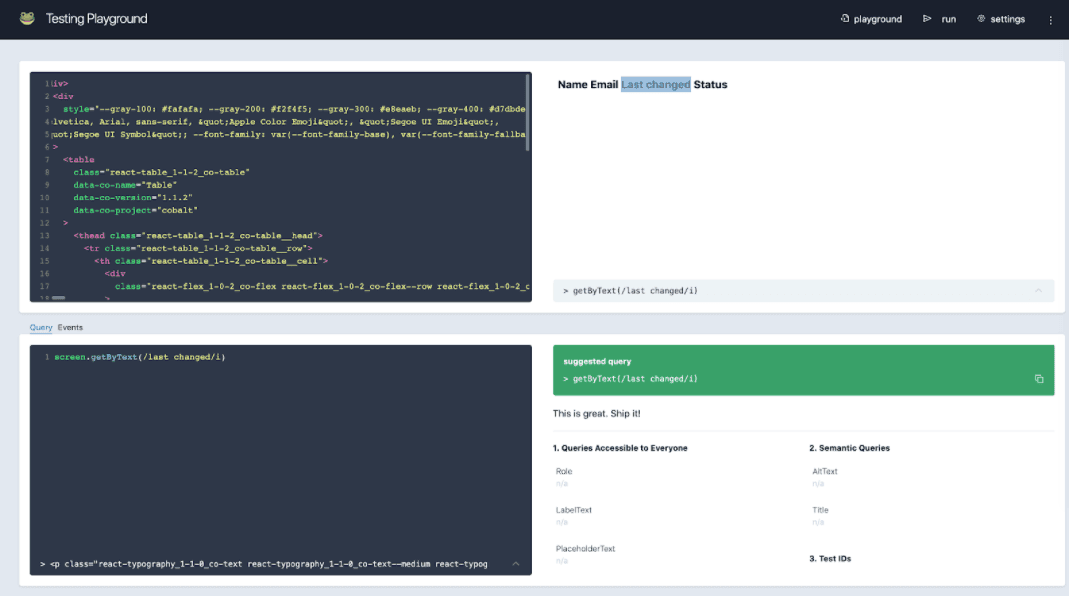
Using the testing-playground.com
- To open the entire document in the playground:
screen.logTestingPlayground() - To open a single element in the playground:
screen.logTestingPlayground(screen.getByText('test'))
Utilities
waitForwaits for expectations to pass, which can be for example a function or API call;waitForElementToBeRemovedwaits for an element present in the page to be removed;within(screen.getByRole('form')).getByText('test')searches for an element inside another;
Common mistakes
Not using Testing Library ESLint plugins
There are two plugins that can help a lot in avoiding most of the mistakes I'm about to mention.
Using act()
The act warning usually means that something in your test is happening which is not tested. Most utilities from React Testing Library are already wrapped in act to mark the behaviors you assert as tested, so there is usually no need to wrap your tests in act.

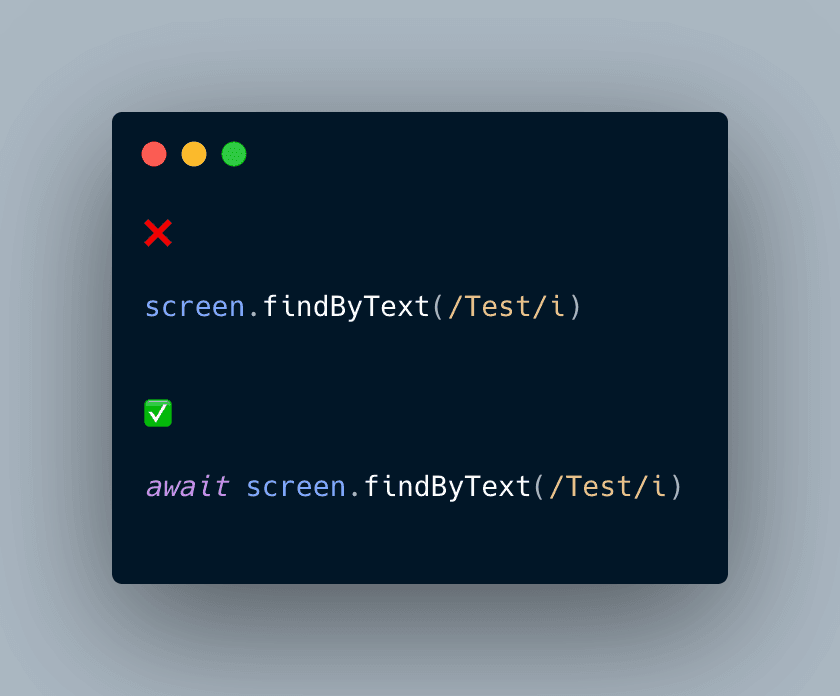
Forgetting to await queries
Asynchronous queries (findBy*, waitFor, waitForElementToBeRemoved, etc.) return promises and need to have await in front of their invocation, otherwise, the next instruction will be executed before the queries return.
Adding aria-, role, and other accessibility attributes incorrectly
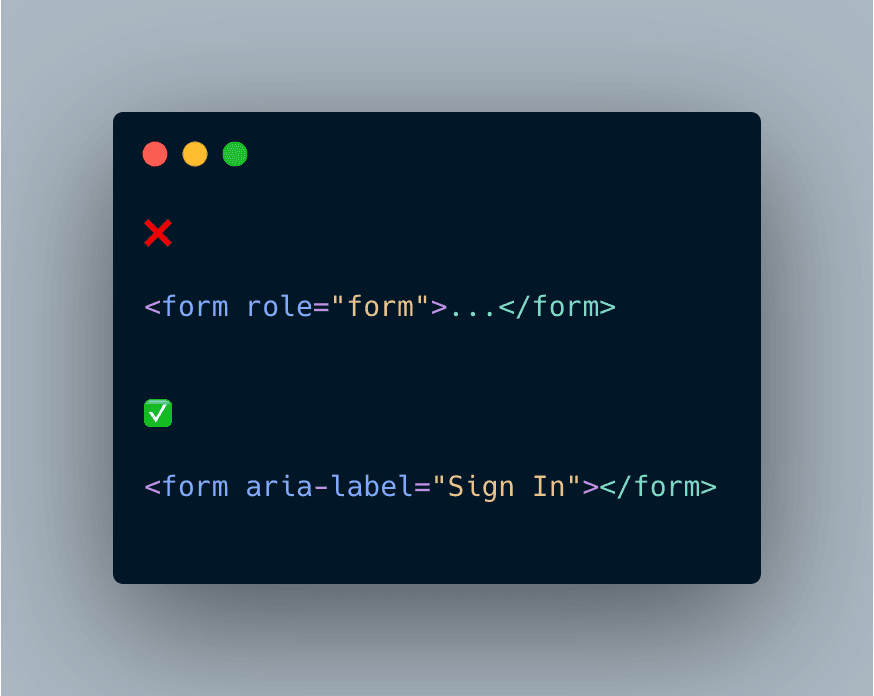
With React Testing Library influencing us towards improving our components accessibility it might be tempting to throw attributes to just make the test work.
In the example below, for instance, getting a form <form></form> with getByRole("form") would not work until we add an aria-label. One could force the role manually <form role="role"></form> and although it would work (if you don't have any a11y eslint plugin in place) the correct form would be <form aria-label="Sign In"></form>.
My recommendation is to always read the MDN document regarding Roles to better understand what best suits your use cases. There is also a very good website (a11ymatters) which contains the most common UI patterns and the accessibility attributes to use.
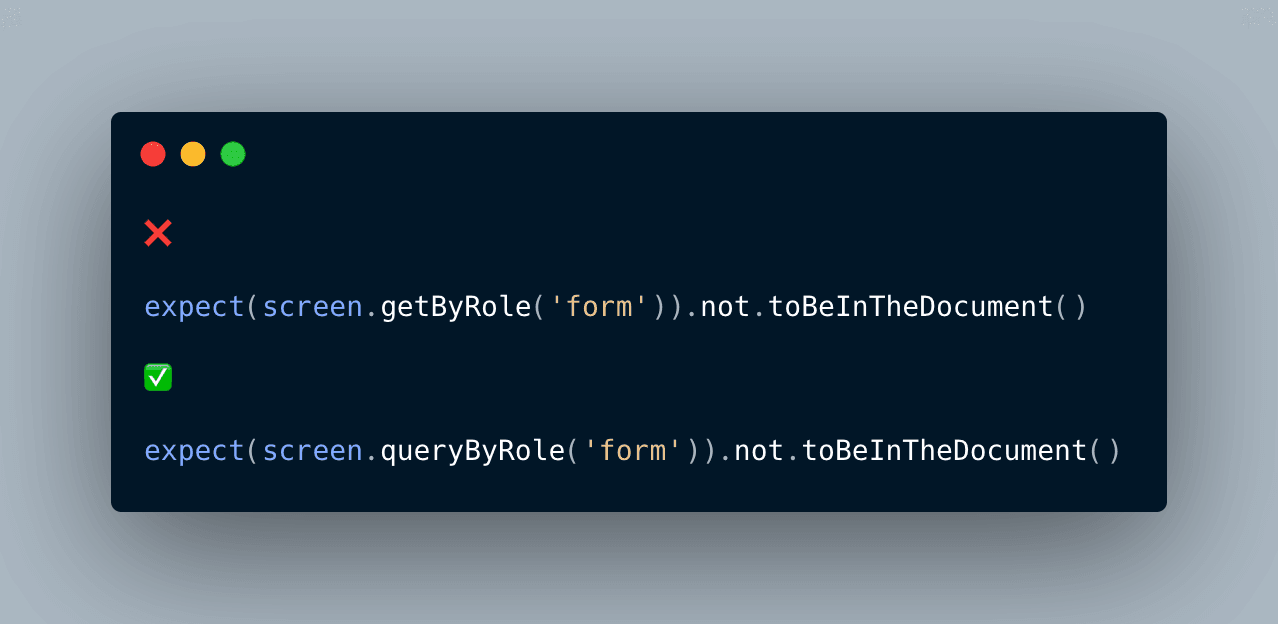
Using getBy* with expect().not.toBeInTheDocument()
The issue with using getBy with expect().not.toBeInTheDocument() is that if the element does not exist the query will throw an error before it even gets to evaluate if the element is not on the screen. The query queryBy was created specifically for these use cases, to assert if an element is not in the document without it throwing an error.
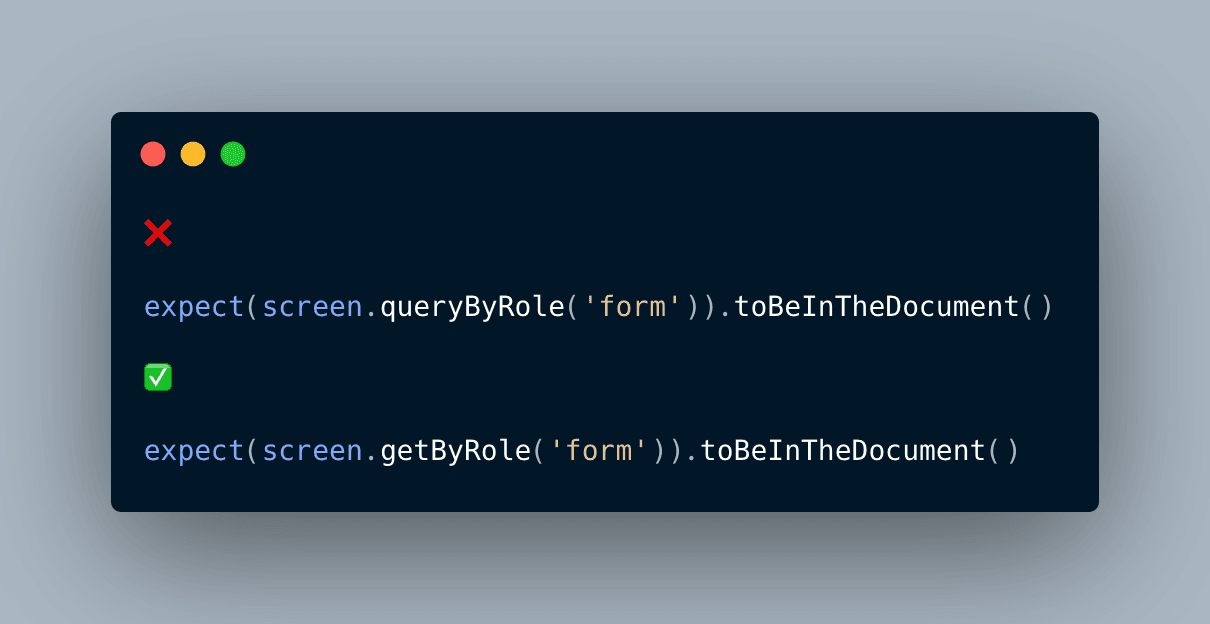
Using query* variants for anything except checking for non-existence
The query* variants should only be used to verify the non-existence of elements, which was the reason they were initially created. For checking the existence of elements, getBy should be used instead.
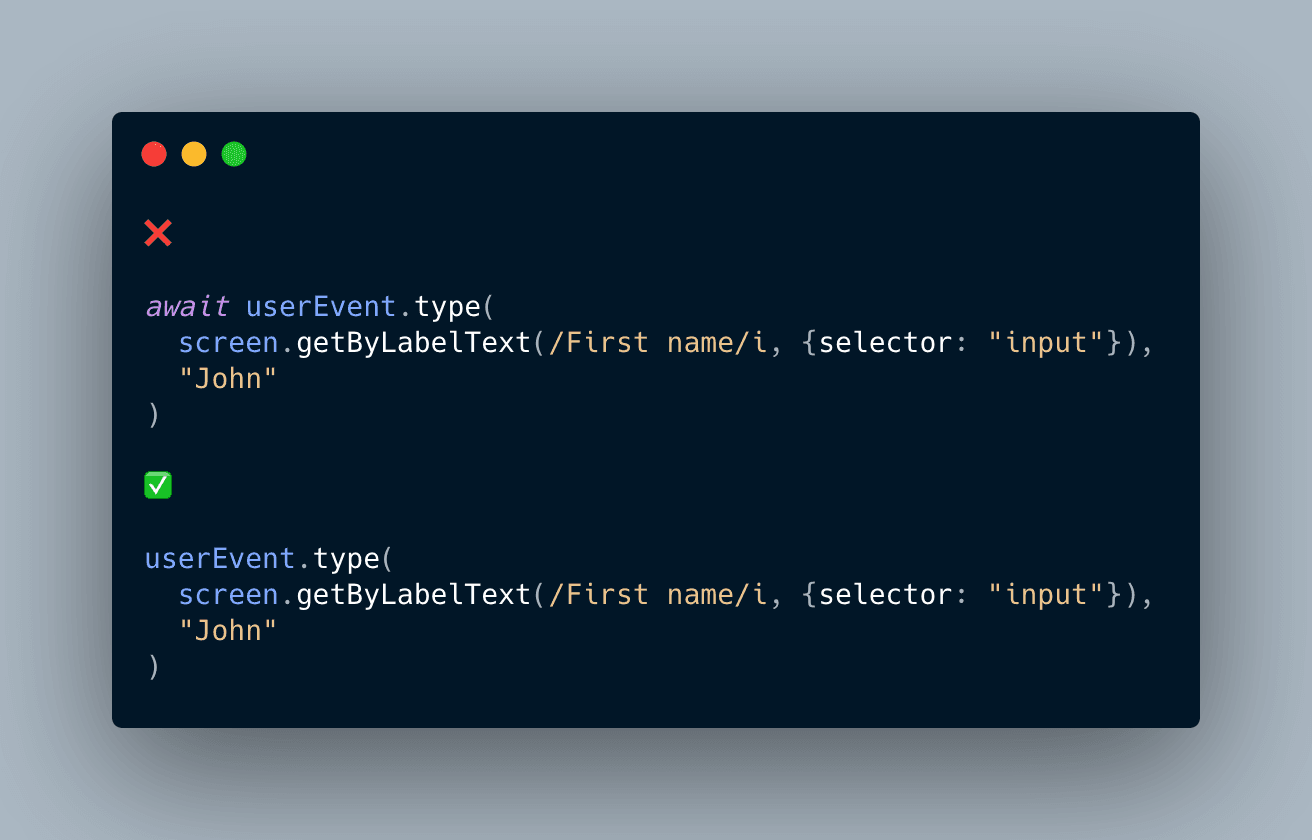
Using await with fireEvent, userEvent or non async queries
fireEvent and userEvent are synchronous functions which means we don't need to mark them with await.
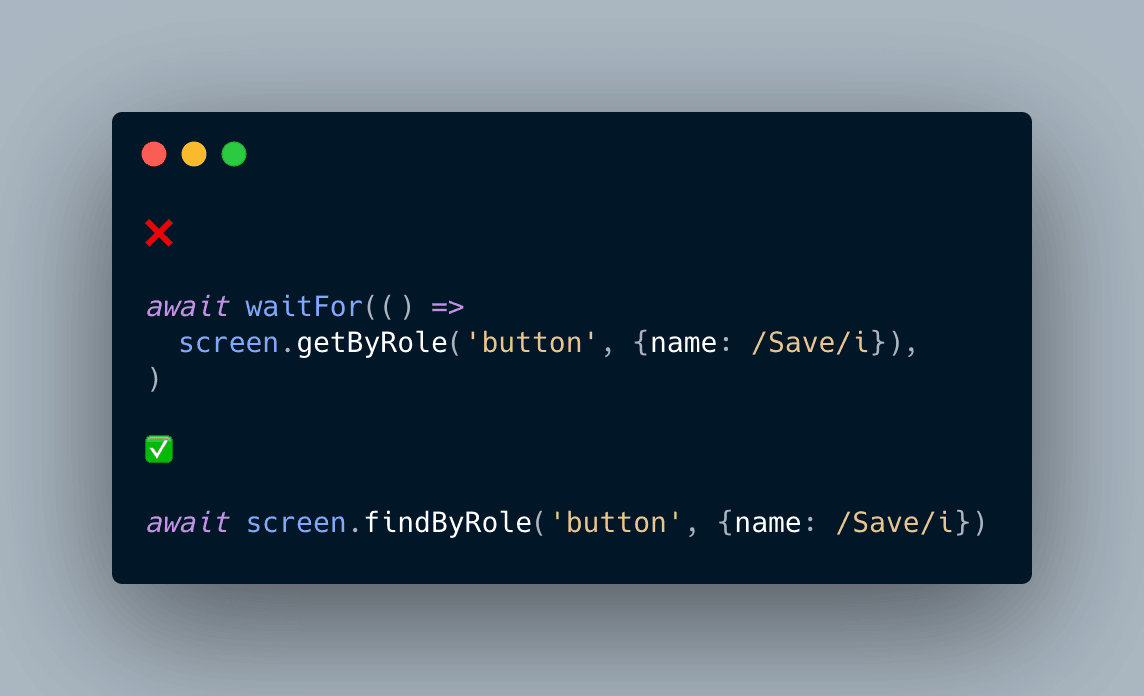
waitFor to wait for elements that can be queried with find*
find queries already return a promise, so it's straightforward to await them to resolve in our tests.
If we end up repeating ourselves with these elements we need to wait for we can even extract them to some nice one-line helpers.
Using side effects inside waitFor
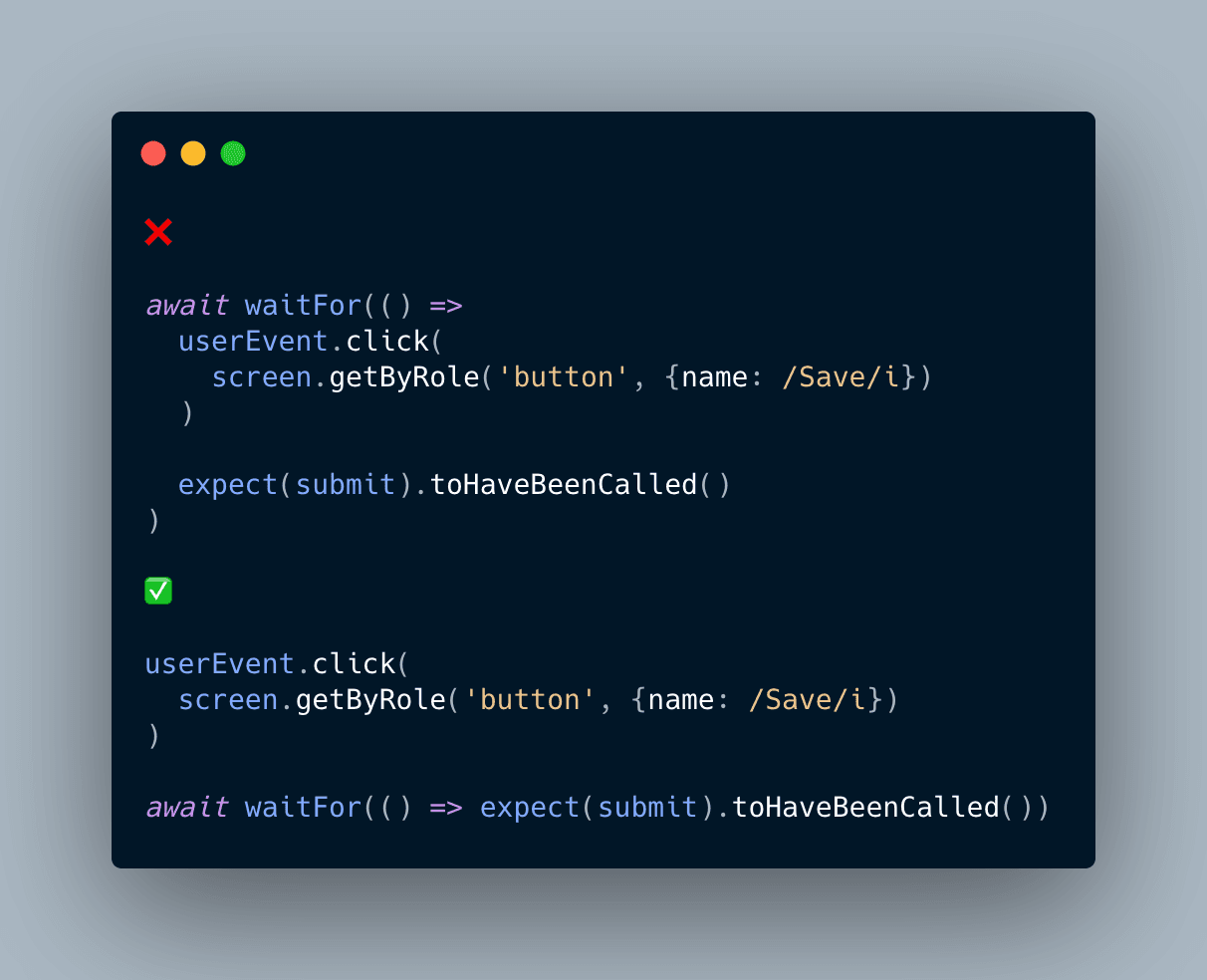
waitFor should be used exclusively to assert if our expectations have been completed, since the waitFor retries multiple times until it passes (or fails after a certain time threshold).